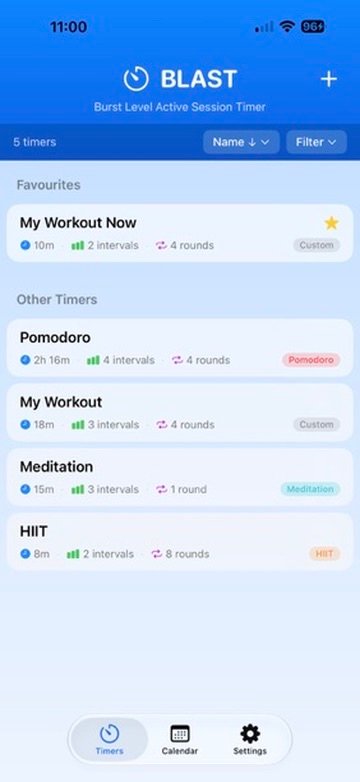
Timer Library
Keep favourite and reusable timers together for workouts, focus sessions, meditation and more.
Describe it. Review it. Run it.
BLAST is an interval timer for workouts, focus sessions and anything else worth measuring. Describe the session you want out loud and on-device intelligence lays out the intervals for you — then review, edit and save only when it looks right.
You already know the workout or focus session you want. BLAST lets you say it naturally — “eight rounds of twenty seconds hard and ten seconds rest, with a two minute warm up” — and turns that description into a structured timer. You stay in control: nothing is saved until you have reviewed it, and every interval can still be edited.
BLAST handles the setup, timing and cues so you can focus on the workout, study block, meditation or routine itself.
The flow is deliberately simple: choose or describe a timer, check the plan, then let BLAST guide the session without demanding your attention.
Keep favourite and reusable timers together for workouts, focus sessions, meditation and more.
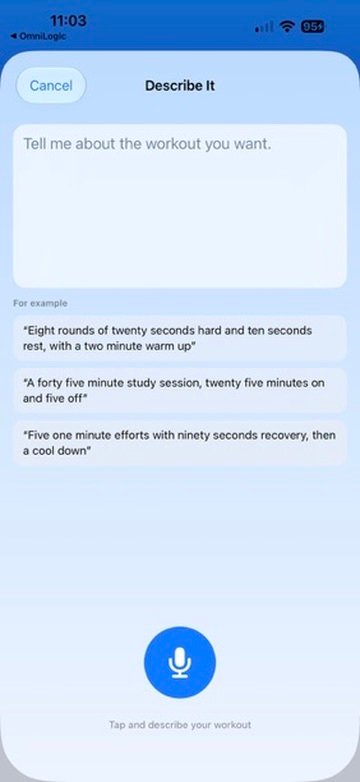
Say the session you want naturally. BLAST listens, builds the interval structure on device and gives you the draft to review.
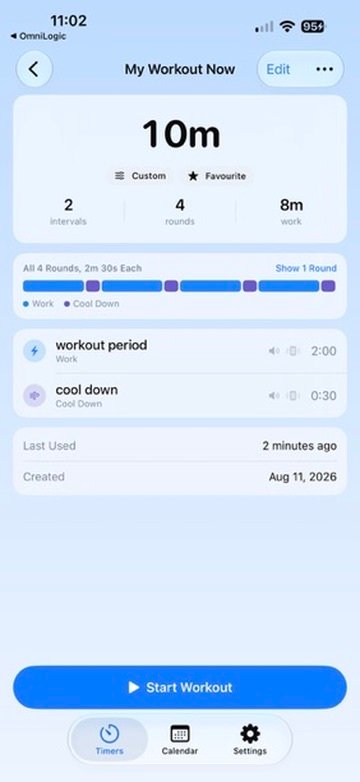
See the full duration, rounds and interval sequence before you start, with every part still editable.
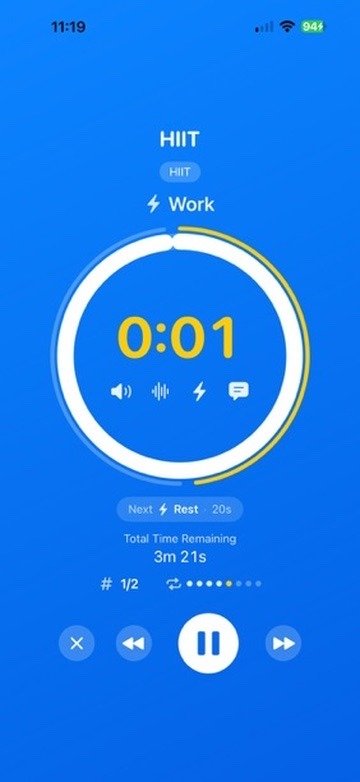
Once you start, BLAST guides the workout with a bold timer, clear interval state, next-up context and simple controls for pause, skip and stop.
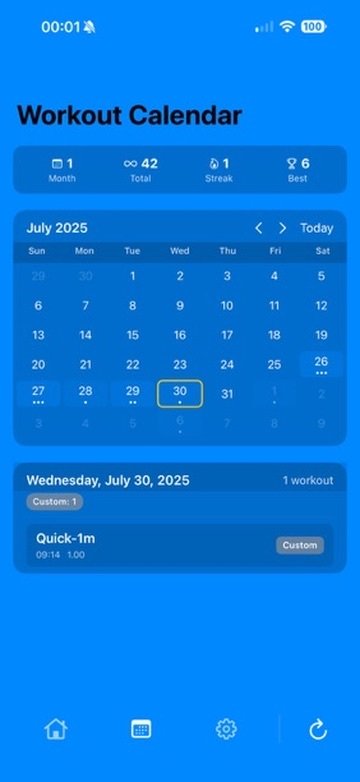
Look back at completed sessions, check streaks and totals, and see how your activity builds over time.
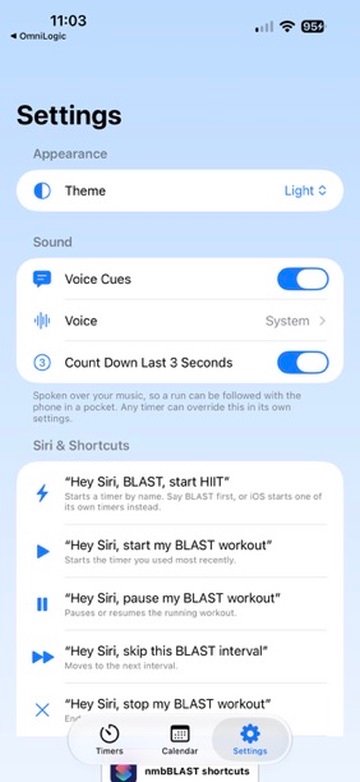
Choose spoken cues and use Siri phrases to start, pause, skip or stop a BLAST session without opening the app.
BLAST started with workouts, but the same timing model works just as well for study blocks, Pomodoro sessions, meditation, stretching, breathing, rehab routines and other repeatable sessions.
Describe It runs on the device. Speech is transcribed locally and the workout plan is generated by the system language model without sending the description to a HanDigi server or a third-party AI service.
Your timer library and workout history live in the app and can sync through your Apple iCloud account. Apple Watch Health access is used for the Watch workout session and recording completed workouts when you choose to use it.
Visit BLAST Support for help with Describe It, voice cues, Siri, Apple Watch, iCloud sync and session controls, or email us directly.
BLAST uses on-device transcription and the system language model for Describe It. There is no AI API key, no per-request cloud service and no network connection required for that feature. Microphone, speech, Health and alarm permissions are requested only for the features that need them.